How to Start Selling on Amazon: A Simple Step-by-Step Guide
Step 1: Choose your selling plan
Pick the Professional plan ($39.99/month) if you expect to sell more than about 40 items a month or want ads and the Buy Box. Choose Individual (per-item fee) only for tiny test volumes. Step 2: Register your account
Have ready a business name and address, a bank account, a credit card, a government ID, and a phone number. Amazon verifies identity carefully, so use consistent, accurate information. Step 3: Set up Brand Registry
If you own a trademark, enroll in Brand Registry. It unlocks A+ Content, Sponsored Brands ads, your own Storefront, and stronger protection against hijackers. Step 4: Create your first listing
Write a clear title (brand + primary keyword + key attributes), upload high-quality white-background photos, fill every bullet with benefits, and use backend search terms for synonyms. Step 5: Choose fulfillment
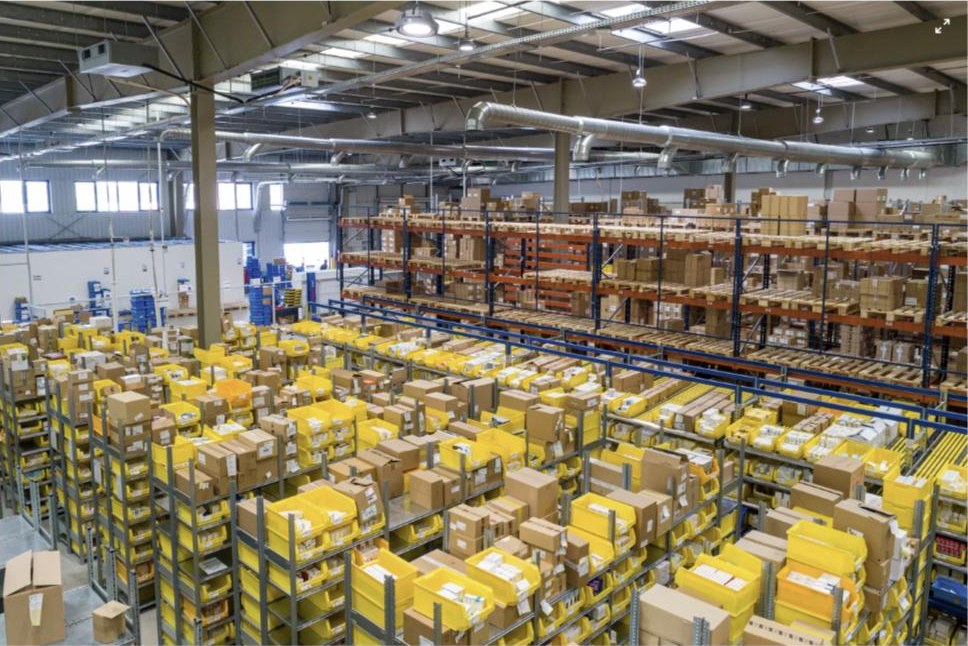
FBA means Amazon stores, packs, and ships for you and makes items Prime-eligible, usually the best choice for velocity. FBM means you ship yourself. Step 6: Launch and advertise
Start with an automatic Sponsored Products campaign to discover which search terms convert, then move winners into manual campaigns. Aim for profitable, efficient spend, not the lowest possible ACOS. Why this matters
A complete, well-optimized listing plus a small, disciplined ad budget creates the early sales velocity that fuels organic ranking. Get the fundamentals right and momentum compounds.